Category: PowerBITiles
-

Unlocking Business Insights with Embedded Power BI
Data is everywhere, but insight only matters when it reaches the right people. Power BI Embedded and the PowerBI Portal let you deliver secure, branded analytics directly inside apps, portals, and websites — without per-user licenses. Scale reporting, cut costs, and give clients real-time insights where they need them most.
-
How to Share Power BI Reports Securely with Clients — Without Requiring Pro Licenses
Sharing Power BI reports with clients doesn’t have to be expensive or insecure. Learn how Power BI Embedded and the PowerBI Portal let you deliver dashboards securely, at scale, without requiring individual licenses.
-
Empowering Healthcare with Data: How to Share BI Insights Securely and Efficiently
Healthcare providers need secure, real-time access to data — without the complexity of licenses or custom development. With Power BI Embedded and the PowerBI Portal, you can share interactive dashboards with hospitals, clinics, research partners, and stakeholders in a fully branded, HIPAA-compliant environment. Deliver Analytics-as-a-Service, control access, scale costs with usage, and turn reporting into…
-
From Report to Product: Turning Power BI into a Resellable Analytics Portal
From dashboards to products — how consultancies can transform Power BI reports into branded, secure analytics portals. With Power BI Embedded, you can share interactive client dashboards without requiring licenses, fully control branding, and scale costs with usage. The PowerBI Portal takes it further, offering a no-code, white-labeled platform to deliver Analytics-as-a-Service at scale —…
-
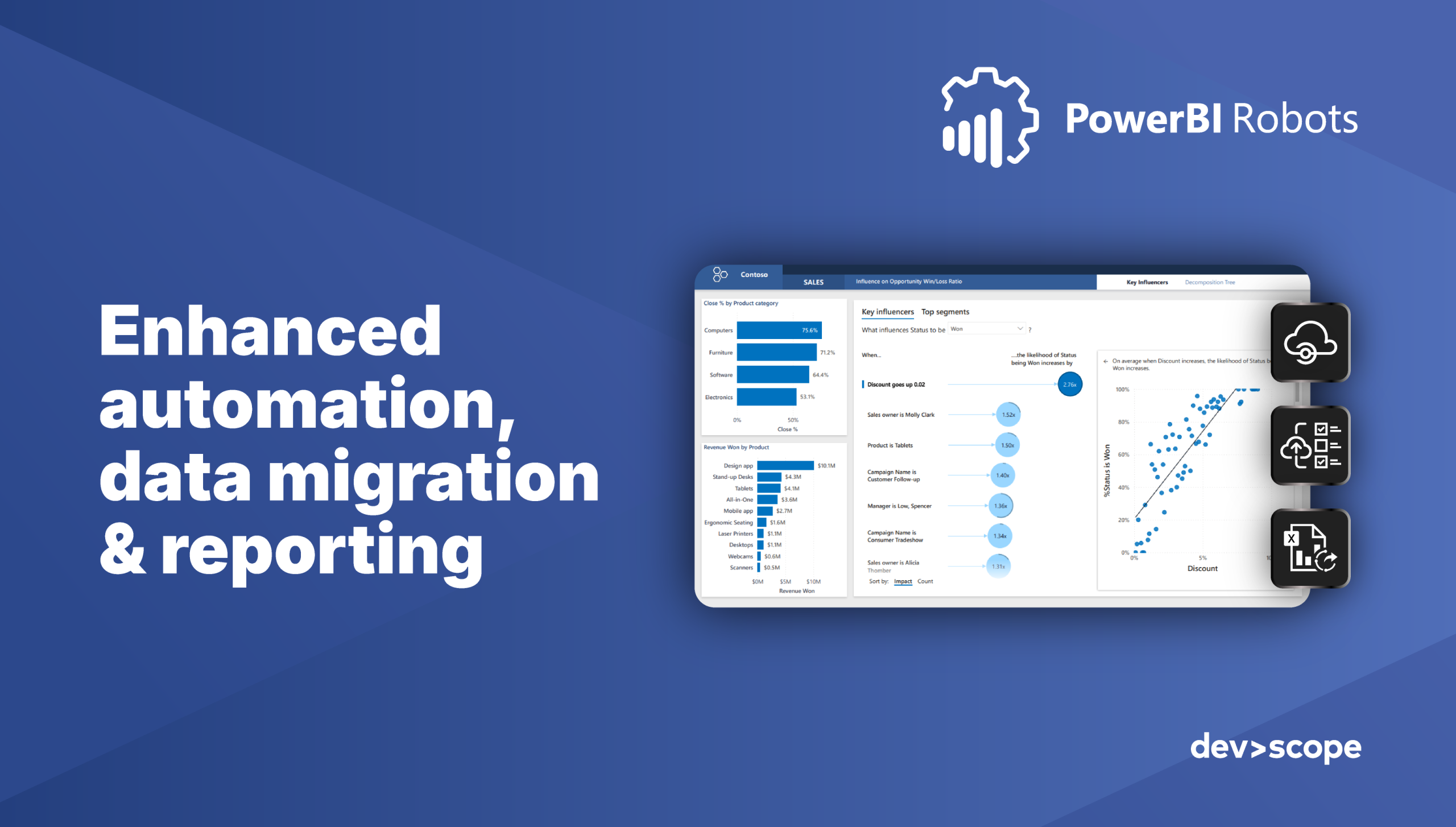
Streamline your Power BI workflow with three game-changing features
Discover how three new features in PowerBI Robots can streamline your Power BI workflow, enhance collaboration, and improve data management. Automate report delivery, manage capacity, and easily export full report pages to Excel—boosting efficiency and saving time.
-

Driving Sales with Data: Building a Powerful Power BI Dashboard for Your Sales Team
A well-designed Power BI sales dashboard goes far beyond static reports. Learn how to build interactive dashboards, track key sales KPIs, and explore examples that help teams make smarter, data-driven decisions. From setup to advanced strategies, this guide shows how Power BI transforms sales reporting into a performance engine.
-
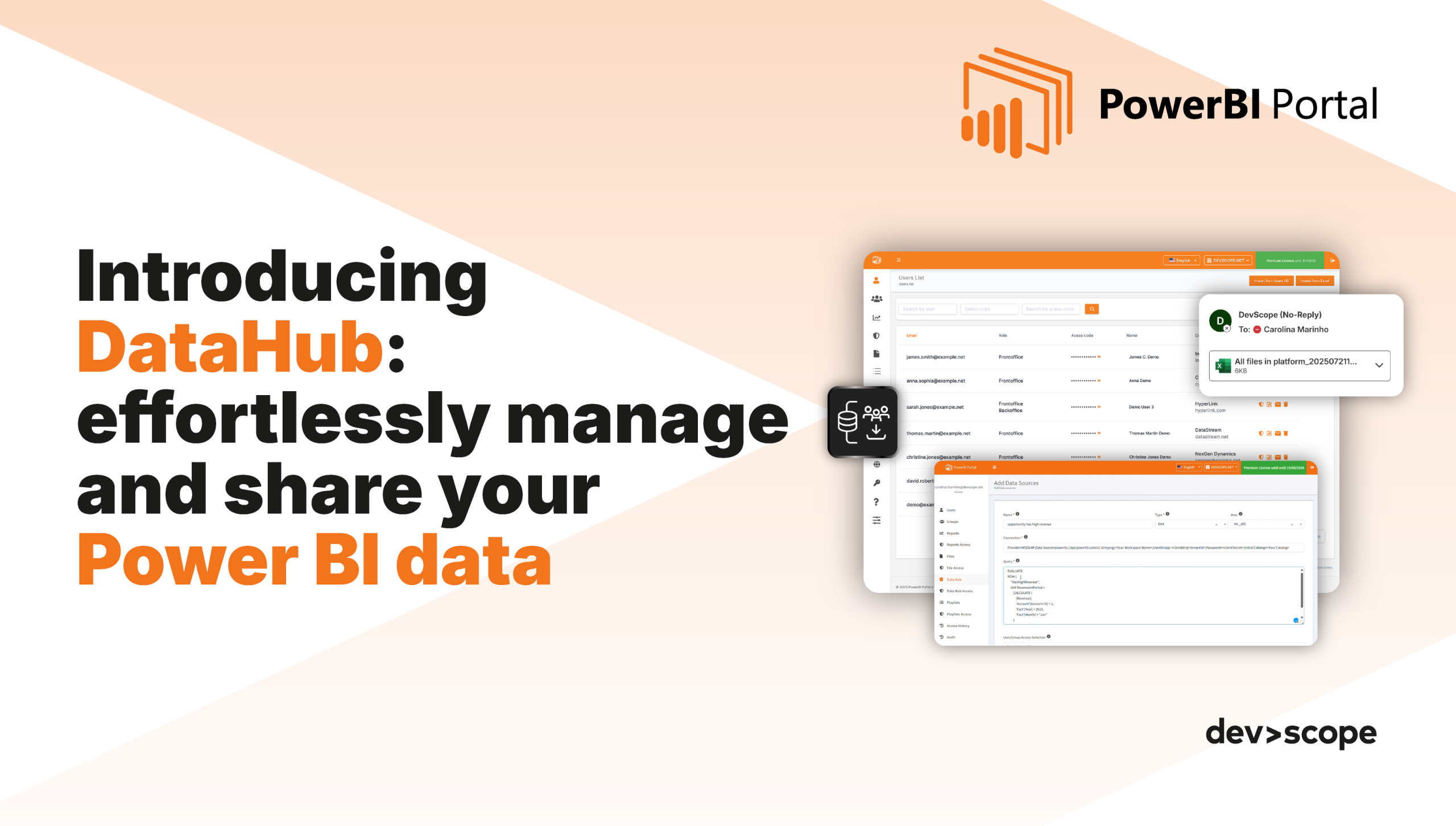
PowerBI Portal gets even smarter: Introducing the DataHub feature
Discover the new DataHub feature in PowerBI Portal—configure data sources with DAX or SQL, share securely with users or groups, and enable real-time access from the Frontoffice. Share smarter and streamline your data delivery today!
-
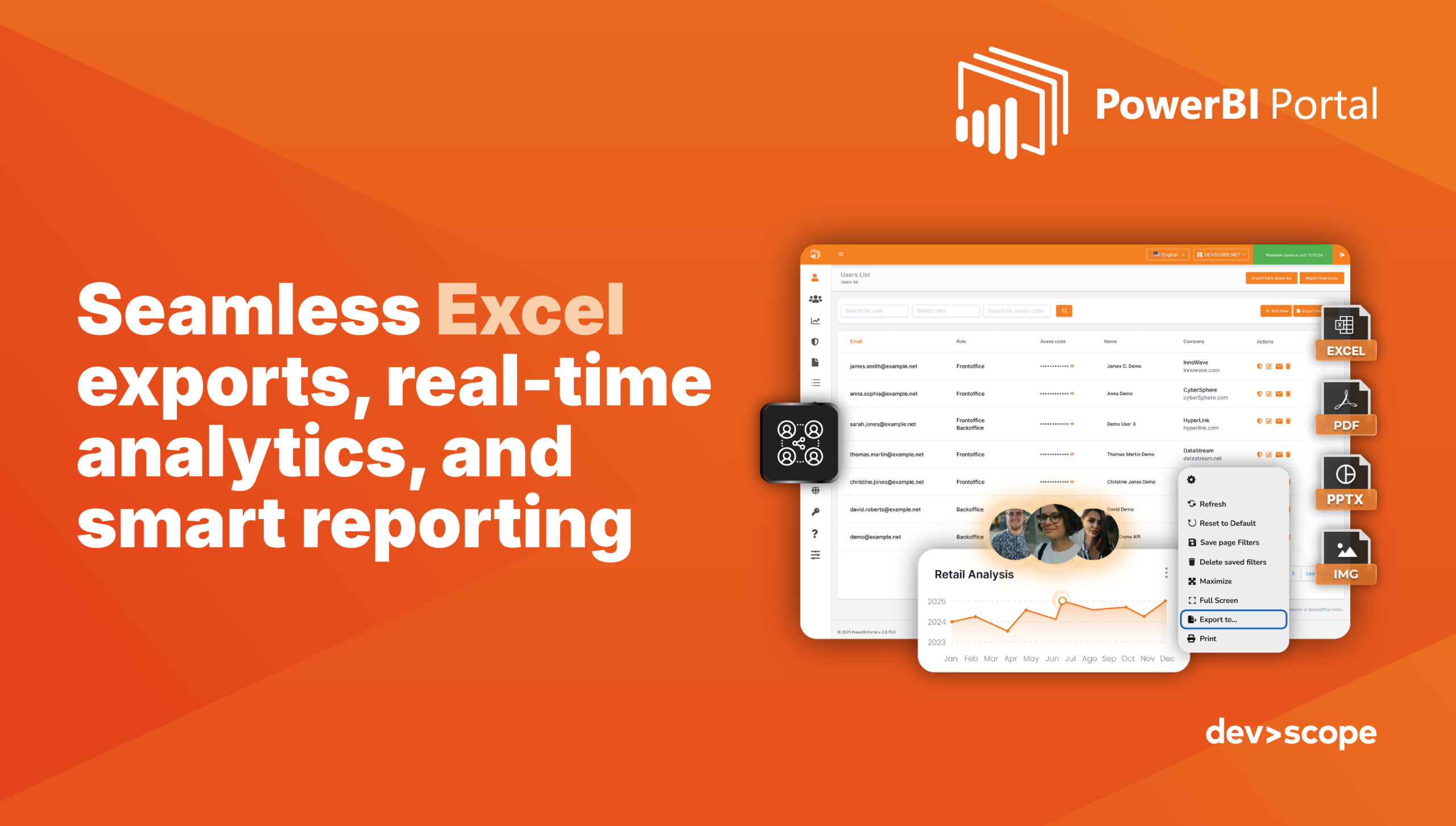
Unlock new features in PowerBI Portal: enhancing report delivery and customization
Discover the latest PowerBI Robots features, including multi-output reporting with attachments and embedded images, and advanced playlist execution controls. Automate smarter and enhance your report delivery today!
-
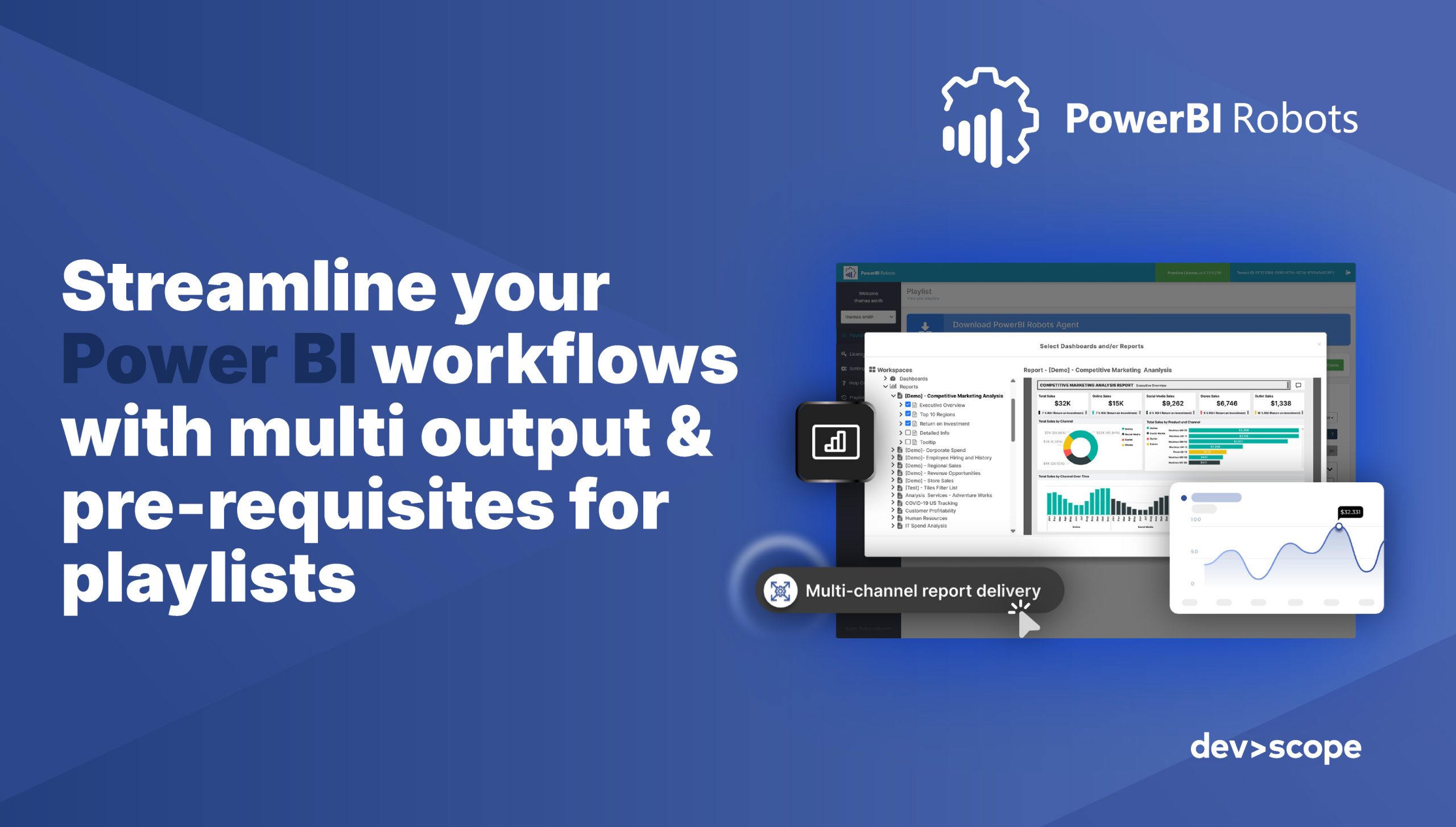
Unlock powerful new features with PowerBI Robots: enhancing report delivery and customization
Discover the latest PowerBI Robots features, including multi-output reporting with attachments and embedded images, and advanced playlist execution controls. Automate smarter and enhance your report delivery today!
-
PowerBI Portal gets smarter with SSO and file management API
Discover the latest PowerBI Portal updates, including Microsoft & Google SSO integration and a powerful File Management API. Simplify access, improve security, and automate file workflows for smarter business intelligence management.