Author: Alexandre Carreira
-

No Pro Licenses, No Guest Chaos: A Different Way to Distribute Power BI
Per-user licenses and guest accounts can make external Power BI sharing expensive and operationally fragile. This article explains a capacity-based portal model that scales distribution while keeping governance and RLS intact.
-
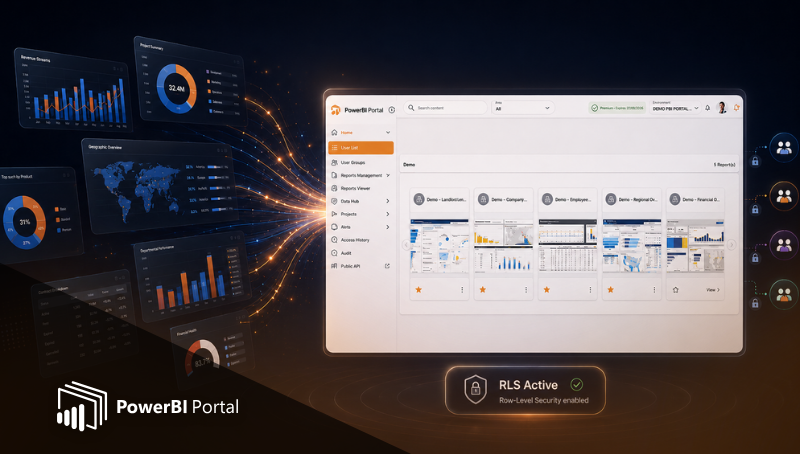
PowerBI Portal 101: How to Deliver Power BI Analytics the Right Way
PowerBI Portal is the missing layer between building great Power BI reports and delivering analytics at scale. This article explains what PowerBI Portal is, why native sharing breaks down, and how organizations use portals to distribute insights securely and efficiently.
-

Automate Power BI Report Distribution with PowerBI Robots
Discover how PowerBI Robots replaces manual Power BI exports with full automation. Schedule and deliver reports to email, Teams, SharePoint, and folders reliably.
-

Secure Power BI Sharing & External Client Access at Scale
When consultancies and data teams deliver Power BI reports to external clients, secure sharing quickly becomes one of the most critical challenges. Many teams focus on building great dashboards but overlook how sharing methods directly impact security, performance, and scalability. Secure sharing is not just about access control. It’s about delivering analytics that are fast,…
-

Live Power BI Reports vs Static Files: Choosing the Right Approach for Client Portals
Not every user needs a live Power BI dashboard. In many client portals, static files deliver the insights stakeholders need without consuming capacity. Learn how to balance live reports and static content to reduce costs, improve performance, and scale analytics with PowerBI Portal.
-

PowerBI Robots: The Missing Automation Layer in Power BI
PowerBI Robots fills the automation gap in Power BI by enabling automatic report delivery to email, Teams, SharePoint, and more. Learn how it simplifies distribution and ensures consistent delivery of insights.
-

Learn how to automate Power BI report distribution in 5 simple steps and eliminate manual exports using PowerBI Robots
Learn how to automate Power BI report distribution in five simple steps. This article explains how to define audiences, choose delivery methods, use automation tools like PowerBI Robots, and ensure secure and reliable distribution.
-
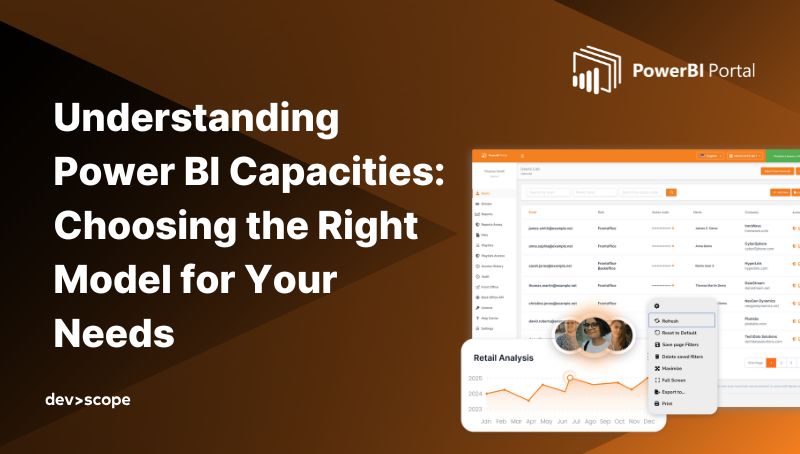
Understanding Power BI Capacities: Choosing the Right Model for Your Needs
Choosing the right Power BI capacity — Pro, PPU, Embedded, or Fabric — depends on your scale, audience, and use case. From small teams to enterprise-wide analytics, each model has trade-offs. Learn how PowerBI Portal helps maximize Embedded for secure, cost-efficient reporting across clients and external users.