Tag: PowerBI Portal
-

The Real Cost of Power BI Embedded at Scale (And How to Control It)
The cost of Power BI Embedded goes far beyond the SKU price. As usage scales, concurrency, heavy queries, and poor optimization can drive costs up fast. Learn how to control Power BI Embedded costs while maintaining performance.
-

Live Power BI Reports vs Static Files: Choosing the Right Approach for Client Portals
Not every user needs a live Power BI dashboard. In many client portals, static files deliver the insights stakeholders need without consuming capacity. Learn how to balance live reports and static content to reduce costs, improve performance, and scale analytics with PowerBI Portal.
-
From PPU to Fabric: When Does It Make Sense for Consultancies?
PPU is a strong option for consultancies, but moving to Microsoft Fabric can make sense when client numbers grow, datasets become larger, and more complex analytics are needed. This article explains when the transition is worth it and what to consider.
-
Power BI Embedded vs Fabric Capacities: Which One Is Right for Your Portal?
Choosing between Power BI Embedded and Fabric capacities has a direct impact on portal performance and cost. For client-facing analytics, the right decision depends on workload isolation, usage patterns, and governance. With PowerBI Portal, organizations can control how capacity is consumed regardless of the model ensuring scalable, predictable analytics delivery.
-
From Lost Days to “Fire and Forget”: How Aura Brands Automated Client Reporting and Transformed the Factory Floor
Aura Brand Solutions saved days of manual work every month and sparked a data-driven culture in production by eliminating technical barriers with Power BI Robots. The End of the Month No One Wanted Back in 2021, the end of the month at Aura Brand Solutions was synonymous with a grueling manual process. The team would spend one to two…
-
How to Scale Power BI Embedded Without Performance Issues
Scaling Power BI Embedded can cause performance issues if capacity and report design are not optimized. Learn how to monitor usage, optimize reports, and use auto-scaling to keep performance high as your user base grows.
-
Data Protection Is Not Optional. It’s Foundational.
In today’s data-driven organizations, protecting information is no longer just a compliance exercise. It’s a matter of trust, control, and operational resilience. As analytics environments grow in complexity, with more users, more reports, and more automation, data protection must be embedded into every layer of how insights are accessed, delivered, and governed. At DevScope, this…
-
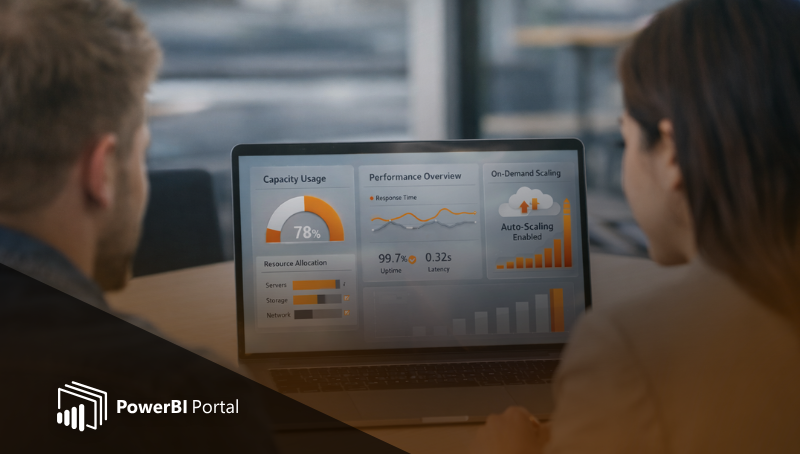
Power BI Capacities Explained: How to Control Cost & Performance in Client-Facing Portals
Power BI capacities are the backbone of client-facing analytics, but without control they can quickly drive up costs. By using PowerBI Portal to deliver static files alongside live dashboards and by activating capacity only during defined days or hours organizations can align consumption with real usage, ensuring performance, scalability, and cost efficiency at the same…
-
From 3 days to 3 hours: automating monthly client reporting with PowerBI Robots
The client: A Project Manager at a technology company, accountable for the end-to-end monthly reporting workflow across dozens of active projects, ensuring accurate consumption evidence is delivered to clients on time. The challenge: Every month, the team must send project consumption evidence to clients, typically a 4-page report showing monthly and accumulated consumption, used as…
-
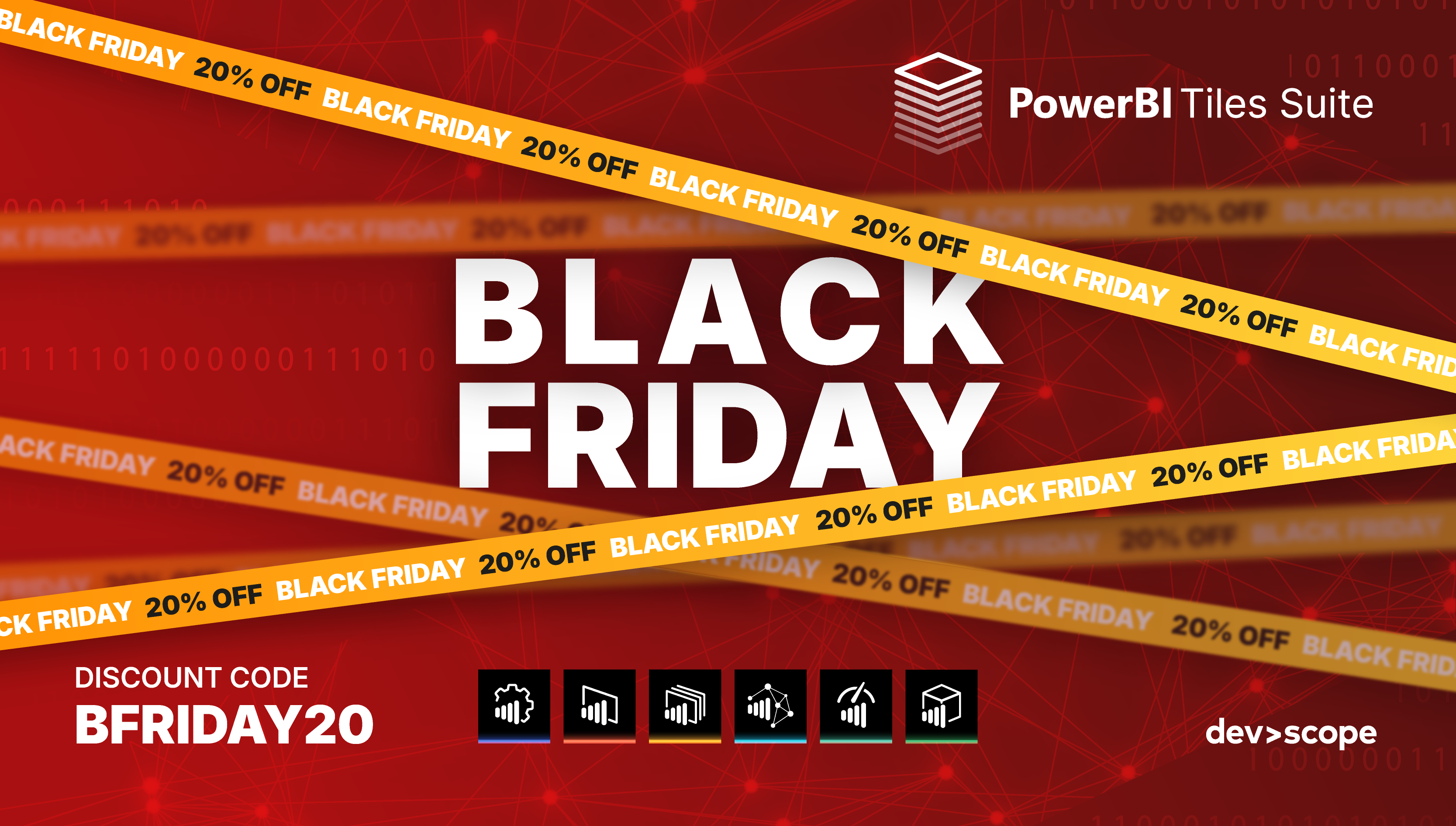
💥 Let the Black Friday Data Sale Begin 20% Off PowerBI Tiles Suite!
Black Friday is here, and so are the savings! It’s time to power up your data game, streamline reporting, and boost your productivity with 20% OFF all PowerBI Tiles Suite products! From November 25th to November 28th, enjoy 20% off on: ✅ PowerBI Tiles Pro – Embed live Power BI reports in PowerPoint, Word & Outlook seamlessly. ✅ PowerBI Robots – Automate and schedule Power BI report delivery to any…