Tag: PowerBI Portal
-
Managing the Real Costs of Power BI Embedded for Client Portals
Power BI Embedded enables consultancies to deliver interactive dashboards and analytics directly to clients through portals or applications. However, hidden costs in licensing, scaling, and maintenance can impact ROI if not managed carefully. Choosing the right model — whether capacity-based (A SKUs) or user-based (PPU/P SKUs) — and planning for dynamic scaling, performance optimization, and…
-
Let the Halloween Spooky Sale Begin – 20% Off PowerBI Tiles Suite! 👻
Halloween is here, and it’s time to scare away manual reporting and unleash smarter, faster Power BI workflows! At DevScope, we’re kicking off our Halloween Campaign 2025 with an exclusive 20% discount on all products from the PowerBI Tiles Suite! From October 28th to November 3rd, enjoy 20% off on:✅ PowerBI Tiles Pro – Embed…
-
Generative AI and the Evolution of BI Tools: What It Means for Consultancies
Generative AI is transforming how businesses interact with data, enabling users to ask questions in natural language and receive instant, actionable insights. While AI enhances analytics, Power BI remains essential for governance, integration, and advanced reporting workflows, ensuring structured, secure, and reliable data delivery. For consultancies using Power BI Embedded, integrating generative AI into client…
-
Embedding AI Predictive Models into PowerBI Portals
Organizations are seeking more than static dashboards — they want actionable insights, forecasts, and recommendations delivered directly to clients, partners, or internal stakeholders. Embedding AI predictive models into PowerBI Portals allows consultancies and enterprises to transform reporting into Analytics-as-a-Service, providing stakeholders with interactive predictions without technical expertise. By integrating predictive models with Power BI and…
-
Migrating From Power BI Premium to Fabric Capacities: A Step-by-Step Guide
Migrating from Power BI Premium to Microsoft Fabric capacities allows organizations to unify analytics, optimize costs, and unlock advanced AI and real-time capabilities. This step-by-step guide covers assessing current workloads, planning Fabric capacities, migrating datasets and dashboards, updating embedded solutions, and ensuring security and governance. By following best practices, consultancies and enterprises can deliver high-performance,…
-
Using AI Copilot in Power BI Embedded within Your Portal
Discover how embedding Copilot in Power BI Embedded transforms client portals into intelligent, AI-driven analytics environments. Users can ask natural language questions, generate insights automatically, and receive smart narratives explaining trends and anomalies — all without writing DAX formulas. Copilot delivers personalized, real-time insights through a secure, branded portal, eliminating the need for every user…
-
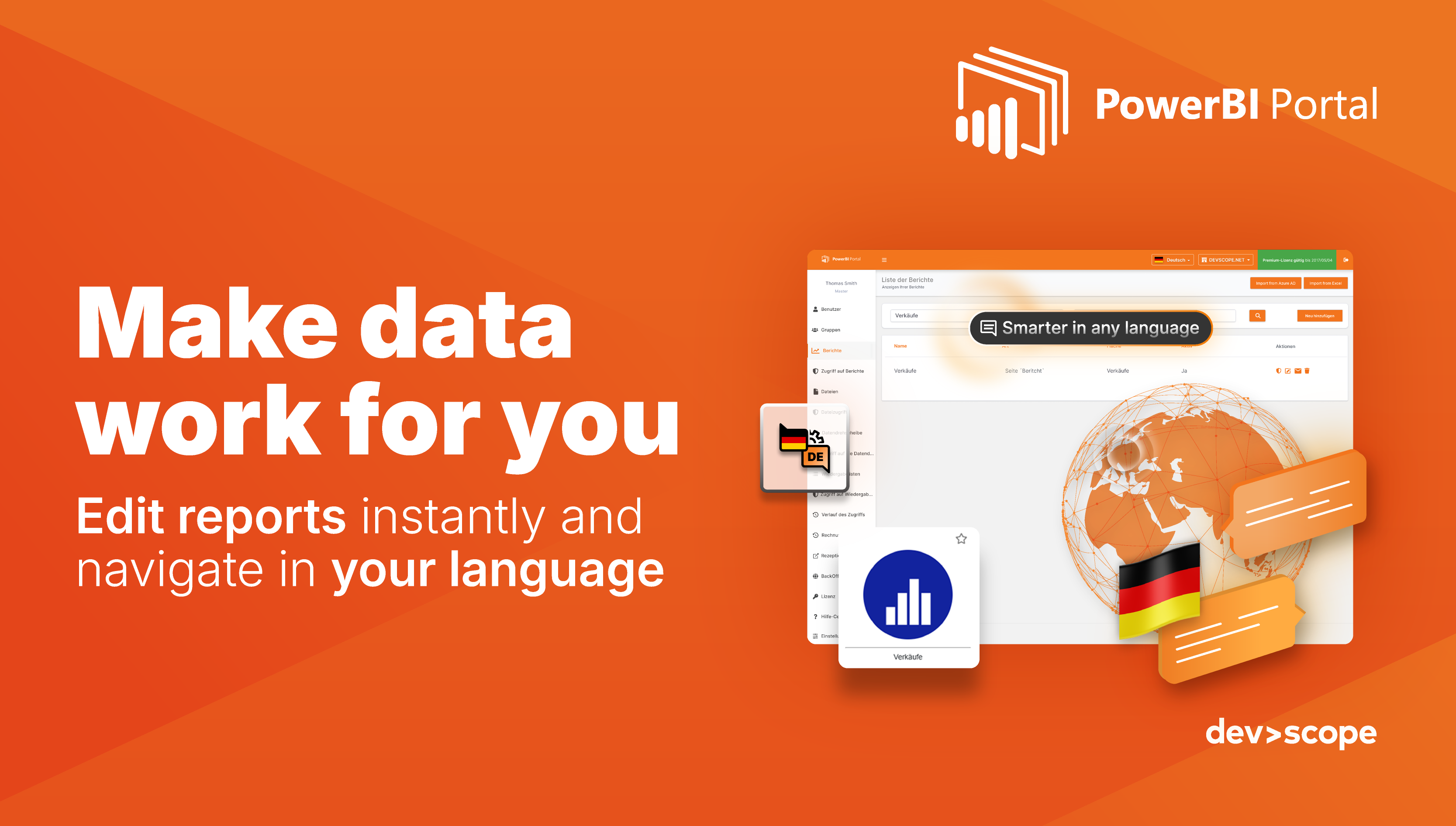
PowerBI Portal: work smarter with German language support and FrontOffice edit mode
At DevScope, we’re always focused on enhancing PowerBI Portal to meet the evolving needs of global organizations. Our latest updates introduce two exciting features designed to boost productivity, improve accessibility, and empower users to manage their reports more efficiently: German language support and FrontOffice edit mode. Work in your native language with German support Navigating…
-
How Consultancies Can Build New Revenue Streams with Microsoft Fabric
Microsoft Fabric is transforming how consultancies deliver value. Instead of one-off dashboards, firms can now package data pipelines, AI models, and BI reports into subscription-based products. With Fabric’s scalable capacity and enterprise security, consultancies can build recurring revenue streams and deliver polished client experiences at scale.
-
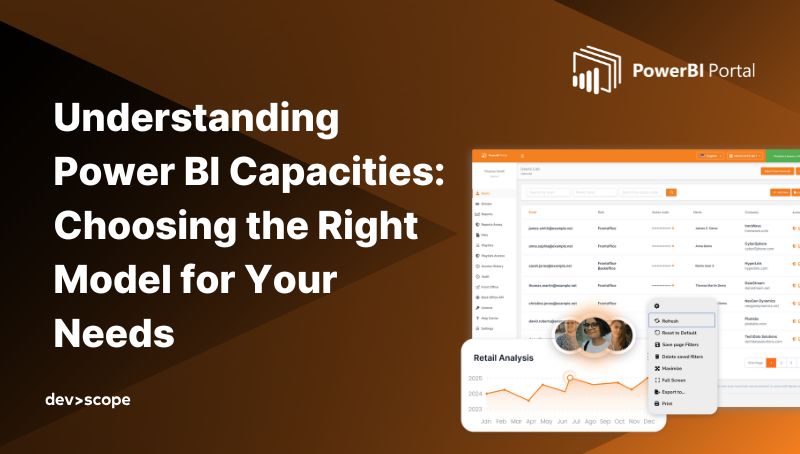
Understanding Power BI Capacities: Choosing the Right Model for Your Needs
Choosing the right Power BI capacity — Pro, PPU, Embedded, or Fabric — depends on your scale, audience, and use case. From small teams to enterprise-wide analytics, each model has trade-offs. Learn how PowerBI Portal helps maximize Embedded for secure, cost-efficient reporting across clients and external users.
-
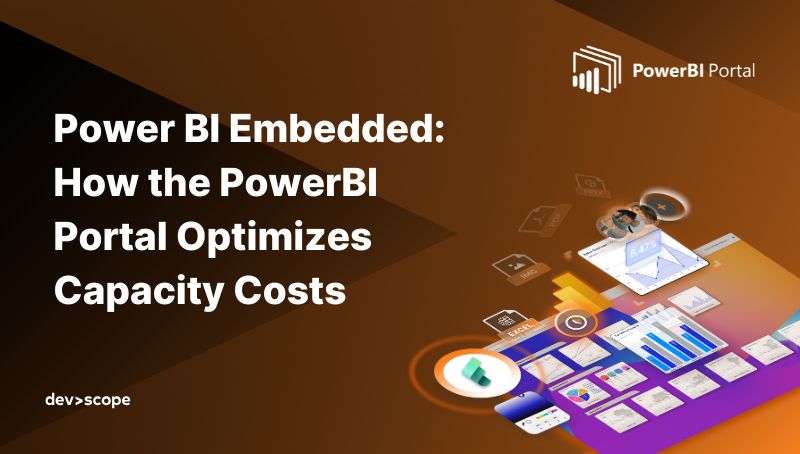
Power BI Embedded: How the PowerBI Portal Optimizes Capacity Costs
Power BI Embedded offers a flexible, capacity-based pricing model — but managing it directly in Azure can be complex and costly. The PowerBI Portal automates scaling, optimizes usage, and eliminates per-user licenses, helping consultancies and enterprises cut expenses while delivering secure, branded analytics at scale.